
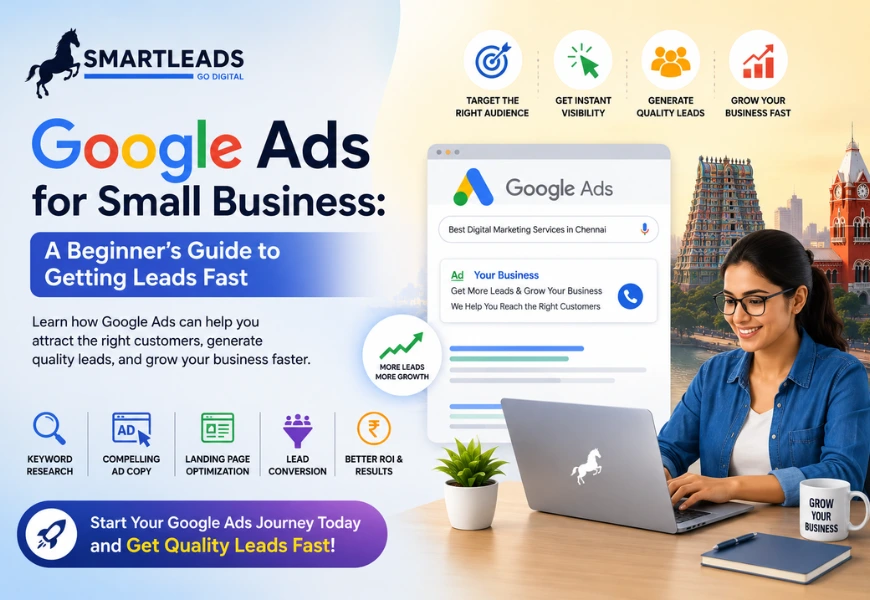
In today’s competitive digital marketplace, small businesses need fast and effective ways to attract customers and generate leads. While SEO helps build long-term visibility, it often takes time to deliver results. This is where Google Ads for small business becomes one of the most powerful tools for driving immediate traffic and high-quality leads.
Google Ads allows businesses to appear at the top of search results when potential customers actively search for products or services. With the right strategy, even small businesses with limited budgets can compete effectively and achieve measurable growth. In this beginner’s guide, we’ll explore how Google Ads works and how small businesses can use it to generate leads quickly.
What is Google Ads?
Google Ads is an online advertising platform where businesses pay to display ads on Google search results, YouTube, websites, and mobile apps.
The platform operates on a Pay-Per-Click (PPC) model, meaning businesses only pay when users click on their ads.
Google Ads helps businesses:
- Reach targeted audiences
- Increase website traffic
- Generate leads quickly
- Improve brand visibility
- Drive sales and conversions
For small businesses, it provides a cost-effective way to connect with customers actively searching online.
Why Google Ads is Important for Small Businesses
Unlike traditional advertising, Google Ads targets users with high purchase intent.
Benefits of Google Ads for small business include:
- Immediate online visibility
- Flexible advertising budgets
- Advanced audience targeting
- Measurable campaign performance
- Faster lead generation
This makes Google Ads one of the fastest ways to grow a business online.
Step 1: Define Your Advertising Goals
Before launching campaigns, businesses should clearly define their objectives.
Common goals include:
- Lead generation
- Website traffic
- Phone calls
- Product sales
- Brand awareness
Having clear goals helps optimize campaigns for better performance and ROI.
Step 2: Choose the Right Keywords
Keywords are the foundation of successful Google Ads campaigns.
Focus on:
- High-intent keywords
- Location-based keywords
- Long-tail keywords
For example:
- “Best digital marketing agency in Chennai”
- “Website development services near me”
Choosing the right keywords ensures your ads appear in front of relevant users.
Step 3: Create Compelling Ad Copy
Your ad copy should attract attention and encourage clicks.
Effective ads include:
- Clear headlines
- Strong value propositions
- Action-oriented CTAs
Examples of CTAs:
- “Get a Free Quote”
- “Book a Consultation Today”
- “Call Now for Expert Services”
Well-written ads improve click-through rates and lead quality.
Step 4: Optimize Landing Pages
A great ad is ineffective if the landing page does not convert visitors.
High-converting landing pages should:
- Match the ad message
- Load quickly
- Be mobile-friendly
- Include clear CTAs
- Have easy-to-fill forms
Optimized landing pages improve conversion rates and reduce ad costs.
Step 5: Target the Right Audience
Google Ads allows businesses to target users based on:
- Location
- Demographics
- Interests
- Search behavior
Small businesses can focus on local customers to maximize relevance and improve conversions.
Step 6: Set a Realistic Budget
One of the biggest advantages of Google Ads is budget flexibility.
Small businesses can:
- Start with a small budget
- Adjust spending based on results
- Scale campaigns gradually
The key is to focus on ROI rather than spending large amounts initially.
Step 7: Use Ad Extensions
Ad extensions improve ad visibility and provide additional information.
Popular extensions include:
- Call extensions
- Location extensions
- Site link extensions
- Review extensions
These features improve click-through rates and user engagement.
Step 8: Monitor and Optimize Campaigns
Continuous optimization is essential for success.
Track important metrics such as:
- Click-through rate (CTR)
- Cost per click (CPC)
- Conversion rate
- Cost per lead (CPL)
Regular analysis helps identify what works and improves campaign performance.
Step 9: Leverage Remarketing Campaigns
Most users do not convert on their first visit.
Remarketing helps businesses:
- Reconnect with visitors
- Increase brand recall
Improve conversion rates
This strategy helps maximize every advertising opportunity.
Step 10: Work with Google Ads Experts
Managing campaigns effectively requires experience and optimization skills.
Professional agencies help businesses with:
- Keyword research
- Ad creation
- Budget optimization
- Conversion tracking
Working with experts ensures better ROI and consistent lead generation.
Final Thoughts
Google Ads for small business is one of the fastest and most effective ways to generate leads and grow online visibility. By targeting the right audience, using optimized keywords, and continuously improving campaigns, small businesses can compete effectively and achieve measurable results.
Success with Google Ads requires a strategic approach, data analysis, and ongoing optimization. Businesses that invest in well-managed PPC campaigns can attract high-quality leads, increase conversions, and maximize return on investment in 2026 and beyond.
FAQs
- What is Google Ads for small business?
Google Ads is an online advertising platform that helps small businesses display ads on Google search results and generate leads through PPC campaigns.
- How much should a small business spend on Google Ads?
Budgets vary depending on industry and competition, but businesses can start with a small daily budget and scale based on performance.
- How quickly can Google Ads generate leads?
Google Ads can start generating traffic and leads within hours after launching campaigns.
- What are the best keywords for Google Ads?
High-intent and location-based keywords usually perform best because they target users actively searching for services.
- Is Google Ads better than SEO?
Google Ads delivers immediate results, while SEO provides long-term organic growth. Combining both strategies often works best.